Screen recorder
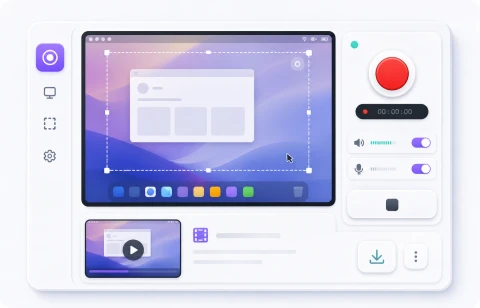
Record your screen, a window, or a browser tab without installing an app, then download the result as a WebM file with optional system audio or microphone input.
00:00
Start recording and your browser will ask which screen, window, or tab to share.
Record your screen to WebM without installing an app
Use the browser to capture short bug reports, tutorials, or screen sharing clips. When you start, the browser asks which screen, window, or tab you want to share.
Enable system audio or microphone input when needed. After recording, preview the result and download a WebM file for issues, docs, or chat attachments.
Recording data is not sent to a server. The selected screen stream is processed in your browser and the file is created on your device.
Related tools
Continue with tools that fit the same task flow.
Developer ToolsRegex testerTest regular expressions locally, inspect matches and capture groups, and preview replacement output without uploading textOpenDeveloper ToolsJWT decoderDecode JWT header and payload locally, inspect claims, and check expiration without uploading tokensOpenDeveloper ToolsBase64 encoderEncode and decode Base64 in either direction and copy with one clickOpen