AI image background remover
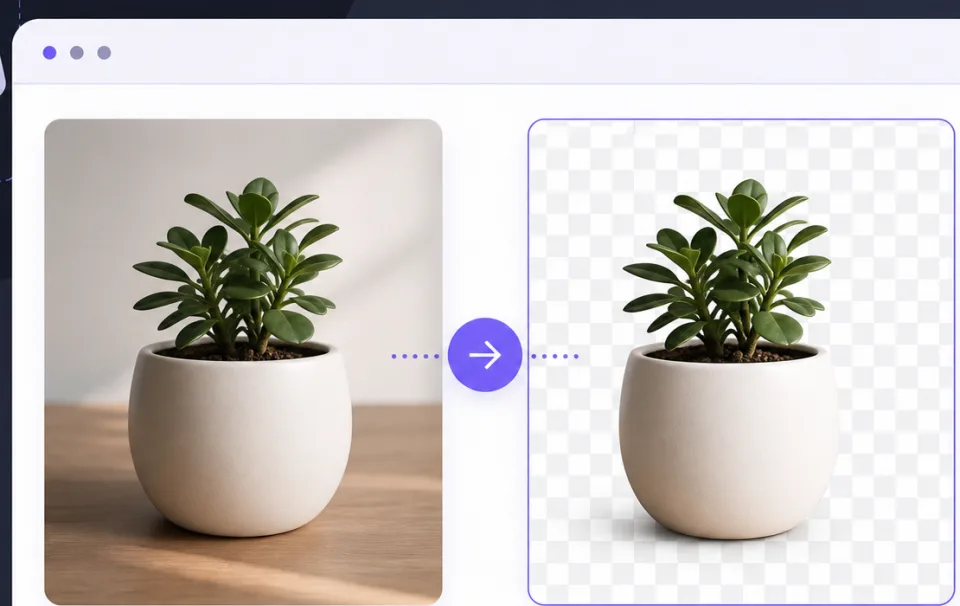
Remove image backgrounds in your browser. Use AI auto for photos of people, or sample a color for white product shots. Nothing is uploaded, and the result saves as PNG or WebP.
Drop an image here or click to browse
PNG, JPG, WebP, up to 25MB. AI mode for people, solid mode for plain backgrounds.
Choose the right background removal mode
Use AI auto for portraits, profile photos, and selfies where a person is the main subject. Use solid background mode for product photos on white, icons, screenshots, and images where the background color is mostly even.
If the cutout looks wrong, compare the other mode first. When background remains, raise tolerance a little. When the subject starts disappearing, lower it. If the outline looks too hard, increase edge feather for a softer result.
Your image and result are processed in the browser only. It works well for transparent thumbnails, shop product images, presentation assets, and profile photos when you want a PNG or WebP cutout without uploading the original.
Related tools
Continue with tools that fit the same task flow.