PDF merge and split
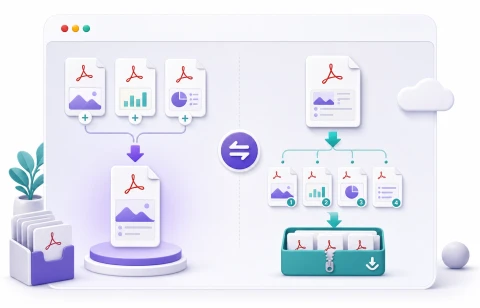
Merge multiple PDFs into one file, or split one PDF into page files inside a ZIP. All processing runs in your browser, with no document upload.
Choose two or more PDFs to merge
Files are combined in the selected order.
PDF processing runs in your browser. Source PDFs and output files are not uploaded to berryfy.
Merge and split PDFs without uploading
Use this tool when you need to combine several PDFs or extract pages from one PDF. Merge mode appends files in the selected order, while split mode saves selected pages as separate PDFs.
Enter page ranges like 1-3, 5, or leave the range empty to split every page. Split results are packaged into a ZIP so even many pages can be downloaded at once.
PDFs are read and saved in your browser. berryfy does not receive the source PDFs, merged output, or split ZIP, and no watermark is added to the output files.
Related tools
Continue with tools that fit the same task flow.