Add text to image
Place a title, date, price, or short note on a photo or thumbnail. Adjust position, alignment, text color, and background opacity, then save as PNG, JPG, or WebP without uploading the image.
Drop an image here or click to browse
PNG, JPG, WebP, up to 25MB
Add text to thumbnails, announcements, and shared photos
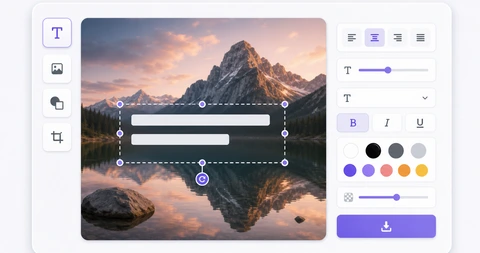
Use this tool when a photo needs a title, date, price, or short note. Add an image, type your copy, then adjust position, alignment, color, and background opacity before saving.
If the text blends into the photo, turn on a background and raise the opacity. Dark backgrounds with white text work well on bright photos, while lighter text with a subtle backing is easier to read on dark images.
The output file is created in your browser. Location data, camera details, and other metadata are not included in the new image, and berryfy does not receive the source image or the text you enter.
Related tools
Continue with tools that fit the same task flow.