Resize Image
Resize PNG, JPG, and WebP images by pixels or percent in your browser. Keep the original aspect ratio, get instant downloads, and never upload to a server. Mobile friendly.
Drop an image here or click to browse
PNG, JPG, WebP, up to 25MB
Resize images for web, social, and documents
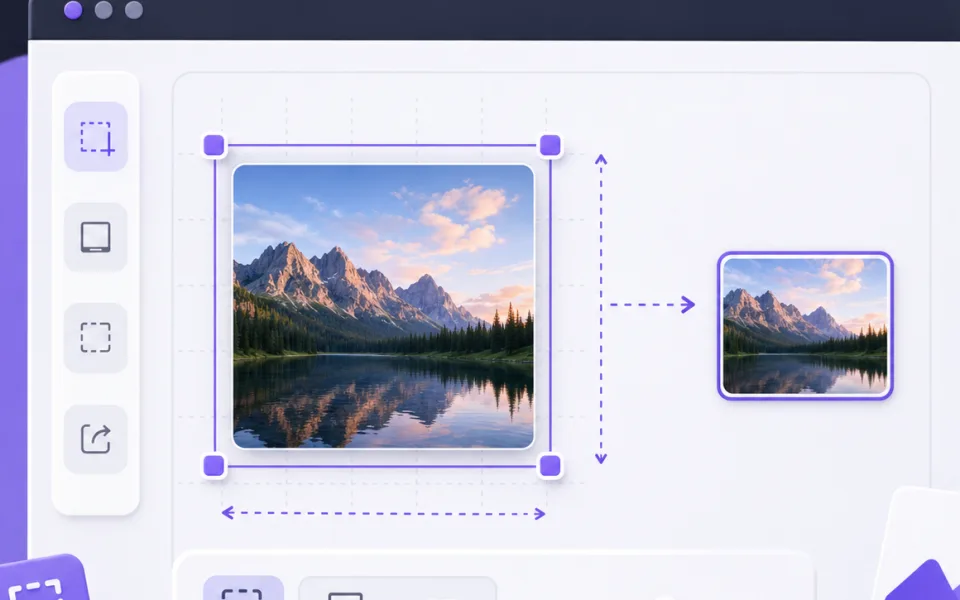
Use this tool when an image is too large for a website, profile, form, email, or document. Set the width or height, keep the original ratio if needed, and export a new file in PNG, JPG, or WebP.
Keeping the aspect ratio prevents stretched faces, distorted logos, and uneven product shots. Turn it off only when a target system requires an exact size.
JPG works well for photos and small attachments, PNG is best for clean graphics and transparency, and WebP is often the best choice for websites because it keeps quality high with smaller files.
Related tools
Continue with tools that fit the same task flow.