Photo merger
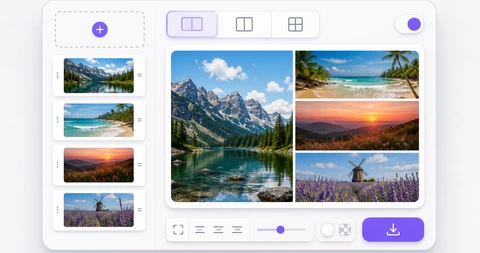
Combine several photos into one image. Choose horizontal, vertical, or grid layout, adjust spacing and background color, then save as PNG, JPG, or WebP entirely in your browser.
Drop multiple images here or click to browse
PNG, JPG, WebP, up to 12 images
Combine several photos into one image
Use this tool for comparison images, reviews, before and after shots, travel sets, or any group of photos that should become one file. Add photos, adjust the order, then choose horizontal, vertical, or grid layout.
When photos have different sizes, the grid layout lets you choose between Fill and Fit. Fill removes empty space for a polished collage, while Fit keeps the full image visible for product photos and document screenshots.
The output file is created in your browser. Location data, camera details, and other metadata are not included in the new file, and berryfy does not receive the original photos or the merged result.
Related tools
Continue with tools that fit the same task flow.