Image to PDF converter
Turn multiple JPG, PNG, and WebP images into one PDF in your browser, with page size, margin, and fit controls for sharing documents or simple image reports.
Add images to convert to PDF
Choose multiple PNG, JPG, or WebP images.
Combine photos and scans into a PDF
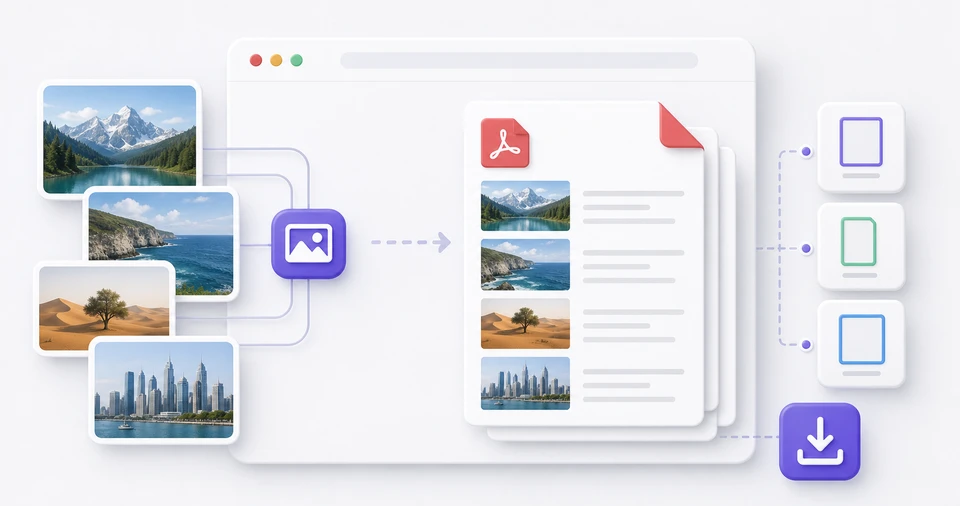
The image to PDF converter is useful when photos, scanned pages, receipts, or screenshots need to become one ordered file. Add several images, arrange them in the right order, and create a PDF for submissions, archives, or quick sharing.
Choose automatic pages that follow each image, or use A4 and Letter pages for document-style output. Smaller margins work well for screenshots and receipts with dense details, while larger margins make the PDF feel closer to a printed document.
Conversion runs inside your browser. Source images are not uploaded to berryfy, and the PDF is saved without a watermark. Images are re-saved before they enter the PDF, so location and camera metadata from the original files are left out of the sharing copy.
Related tools
Continue with tools that fit the same task flow.