QR code scanner and reader
Upload a QR image or scan with your camera to read URLs, contact details, Wi-Fi data, and plain text directly in the browser.
Add a QR code image
PNG, JPG, and WebP images are supported.
Scan with camera
On mobile, pointing the rear camera at the QR code is usually easiest.
Check QR code content before opening it
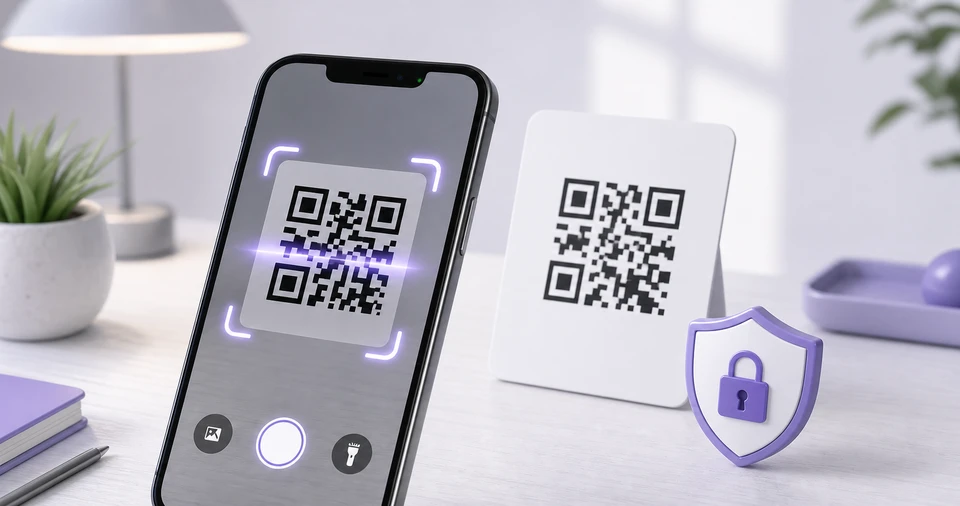
The QR code scanner helps when a QR code appears in a screenshot, photo, poster, or product label and you want to know what it contains before opening it. Upload an image file or, on mobile, point the camera at the code to read the result.
If the result is a URL, you can open it in a new tab. Email addresses and phone numbers show a matching action button, while plain text and Wi-Fi payloads are displayed as readable text. This makes unknown QR codes easier to inspect first.
Image reading and camera scanning run in your browser. Uploaded images, camera video, and decoded text are not sent to berryfy. The camera starts only after you press the start button, and the stream is stopped when scanning ends.
Related tools
Continue with tools that fit the same task flow.