Image crop
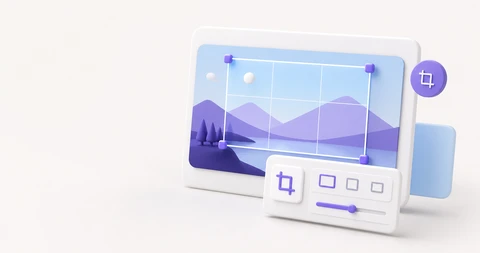
Keep only the part of the photo you want and crop it out. Lock to 1:1 or 16:9, download instantly, with no server upload. Works the same on desktop and mobile.
Drop an image or click to upload
PNG, JPG, WebP, up to 25MB
Crop images for profiles, thumbnails, and social
Use cropping to keep just the subject, fit a required aspect ratio, or clean up the background. Drag freely or lock to a ratio like 1:1 or 16:9 to keep the shape consistent while you adjust.
Profile photos use 1:1, video thumbnails use 16:9, and vertical social posts use 9:16. Picking the ratio first saves you from re-cropping later when an upload rejects an off-ratio image.
Pick JPG for photos and attachments, PNG for sharp graphics or transparency, and WebP for small web images. 90% quality is a good default that keeps the image looking clean.
Related tools
Continue with tools that fit the same task flow.