CSV to Markdown table converter
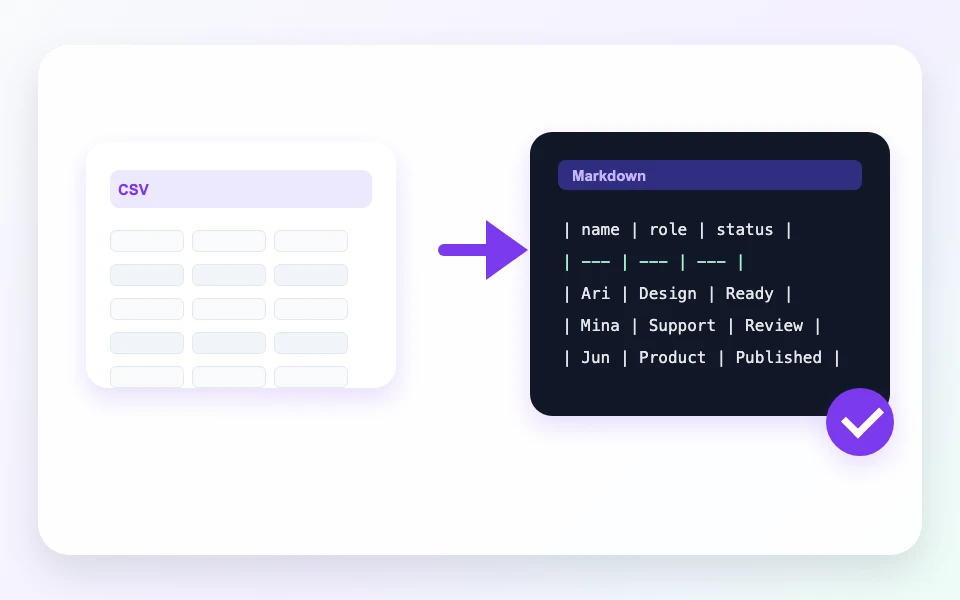
Paste CSV and turn it into a Markdown table for README files, docs, issues, and CMS drafts. Detect comma, semicolon, or tab separators and copy the table without uploading data.
0 of 300000 characters
Column alignment
Markdown output
Convert CSV to see a Markdown table here.CSV parsing and Markdown generation run on your device. Input and output are not uploaded or stored.
Turn spreadsheet rows into Markdown tables
Markdown tables are useful in README files, release notes, support tickets, project docs, and CMS drafts, but writing the pipes and separator row by hand is slow. Paste rows from a spreadsheet export and convert them into a clean table you can copy immediately.
The converter can detect comma, semicolon, and tab-separated input. Quoted values, escaped quotes, and line breaks inside quoted cells are handled so common CSV exports keep their intended text instead of splitting in the wrong place.
Header rows, generated column names, empty rows, and column alignment can be adjusted before copying. Warnings appear when a row has a different number of cells, so you can fix messy data before pasting the table into a public document.
Related tools
Continue with tools that fit the same task flow.